Download help · Missing CV
Can't find or download your Europass CV?
First check where you created it. The official EU Europass platform and Europass.ai are separate services with separate accounts. A missing download does not always mean your CV is lost.
There is no permanent free plan. Building and export depend on your active access or available trial. Review the current terms before starting.
Independent service, not affiliated with the European Union. Looking for the official service? Visit EU Europass.

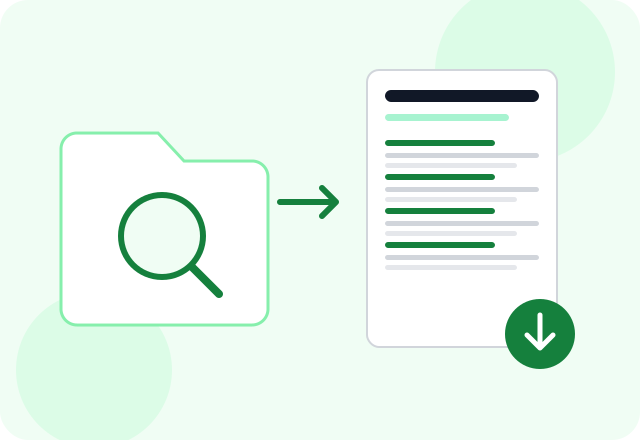
How it works
- 1
Check the correct account
If you used the official EU service, open its website and sign in to the account you used to save the CV. Europass.ai cannot sign in there or recover its files.
- 2
Look for an existing copy
Check your browser's download list, Downloads folder, email attachments and cloud files. If the official download fails, try another browser or use its support options.
- 3
Rebuild only if needed
If you still cannot recover it, use a PDF copy as a starting point here or create a new CV from your experience. Review the new draft before exporting.
Do not start again before checking
A browser may save a file under a different name or location. Search your files for PDF documents and check the date. Avoid sharing account passwords with anyone offering to recover your CV.
A new CV is not account recovery
Europass.ai can help create a replacement CV, but cannot restore your official Europass profile. Re-entering information takes time, and any AI draft still needs your review.
Applying in Europe?
EURES – European Employment Services provides access to a European job search and jobseeker support.
Open the official jobs portal · EURES – European Employment Services
Choose resources for where you are applying, regardless of the language you read. Check the vacancy and official portal for current requirements.
Questions before you start
Can you recover my official Europass password?
No. Use the official service's account recovery or support process.
Will I get back the same document?
Not necessarily. Rebuilding produces a new CV using the information you provide. It does not retrieve the original file.
What can I upload?
The current uploader accepts CV files in PDF format, up to 10 MB, after sign-in.
