LinkedIn profile · PDF import
Turn your LinkedIn PDF into a CV you can edit
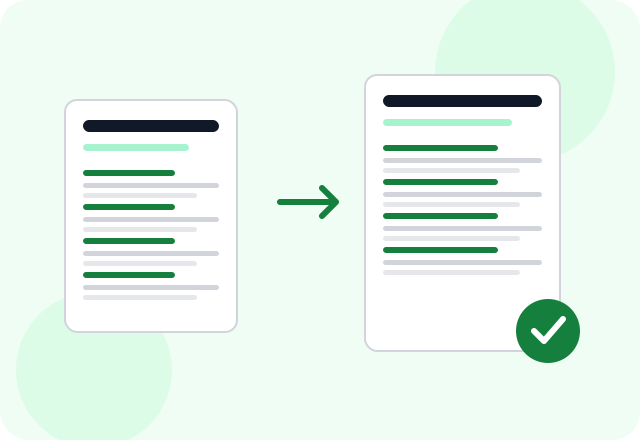
Start with a PDF of your own LinkedIn profile. Upload it, review your experience and choose a CV layout. Edit your draft and check every extracted detail before downloading your CV.
There is no permanent free plan. Building and export depend on your active access or available trial. Review the current terms before starting.
Independent service, not affiliated with the European Union. Looking for the official service? Visit EU Europass.

How it works
- 1
Save your own profile as PDF
If LinkedIn offers Save to PDF on your profile, download that file. Availability can vary. We do not connect to LinkedIn, scrape profiles or import profile URLs.
- 2
Upload and review
Sign in, choose the PDF and review the extracted experience, education, skills and dates. A profile may omit details needed for a job application.
- 3
Edit for the job and export
Add relevant missing information, choose your template and check the preview before downloading your CV as a PDF.
Your profile is a starting point
A LinkedIn profile and a job application serve different purposes. Keep the experience relevant to the vacancy and check each imported field.
- Check job dates, role titles and employer names.
- Add qualifications or skills only when they are true.
- Remove contact information you do not want to share.
No LinkedIn connection required
This is a file upload, not a LinkedIn integration. You control the file you provide. Profile layouts may produce different results. Review the extracted details and correct anything missing before exporting your CV.
Applying in Europe?
EURES – European Employment Services provides access to a European job search and jobseeker support.
Open the official jobs portal · EURES – European Employment Services
Choose resources for where you are applying, regardless of the language you read. Check the vacancy and official portal for current requirements.
Questions before you start
Can I paste a LinkedIn URL?
No. The current uploader accepts PDF files, not profile links.
Will every LinkedIn PDF import perfectly?
Different profile layouts may produce different results. Review each field against your original file and correct anything missing or inaccurate.
Will every detail be imported?
Do not assume so. Review the generated draft and compare it with your original file before using it.
